Präsentations-Regie
Ein Dokument wird zur Präsentation, die sich selbst vorträgt: Sprecher, Untertitel, HTML-Deck und MP4.
Präsentations-Regie: Beispielfilme und Stile →
Füge ihn in Claude Code, Codex, Cursor oder einen anderen Agenten ein, der Skills unterstützt.
Benötigt: Node.js 22+, FFmpeg und Chrome. Stimme: deine eigene Aufnahme, eine ElevenLabs- oder HeyGen-Stimme oder eine kostenlose synthetische Stimme (einmal heruntergeladen, etwa 350 MB). Für die kostenlose Stimme keine API-Schlüssel nötig.
Lies https://claude-motion.com/skills/deck-director/install.md, installiere damit den Skill „deck-director“ und mach anschließend ein erstes Video damit.
Füge ihn in Claude Code, Codex, Cursor oder einen anderen Agenten ein, der Skills unterstützt.
Use the deck-director skill to turn this PDF report into a 2-minute narrated deck with captions.
Turn the attached [report, survey or paper] into a 90-second narrated deck of about [N] slides: one point per slide in the document's own words, one of its figures per slide with the page it comes from, the answer on the first slide for [who will watch, e.g. the people at my presentation]. Read it with [my recording / my ElevenLabs or HeyGen voice / a free synthetic voice], change each slide on the words that say it, and give me the MP4, captions and a deck I can click through. Use only the document I attach and its numbers; don't change a word or number. End on the answer and the source, held for 3 seconds.

Document: [file or link]
Audience: [who]
Nichts zu installieren: in Claude Motion (Team oder Enterprise) einfügen oder Opus 5.5 geben, für einen ähnlichen Look. Das Ergebnis ändert sich mit jedem Lauf; der Skill arbeitet mit deinem eigenen Material und rendert auf deinem Rechner.
Weitere Präsentationsstile
Motion-Vorlagen →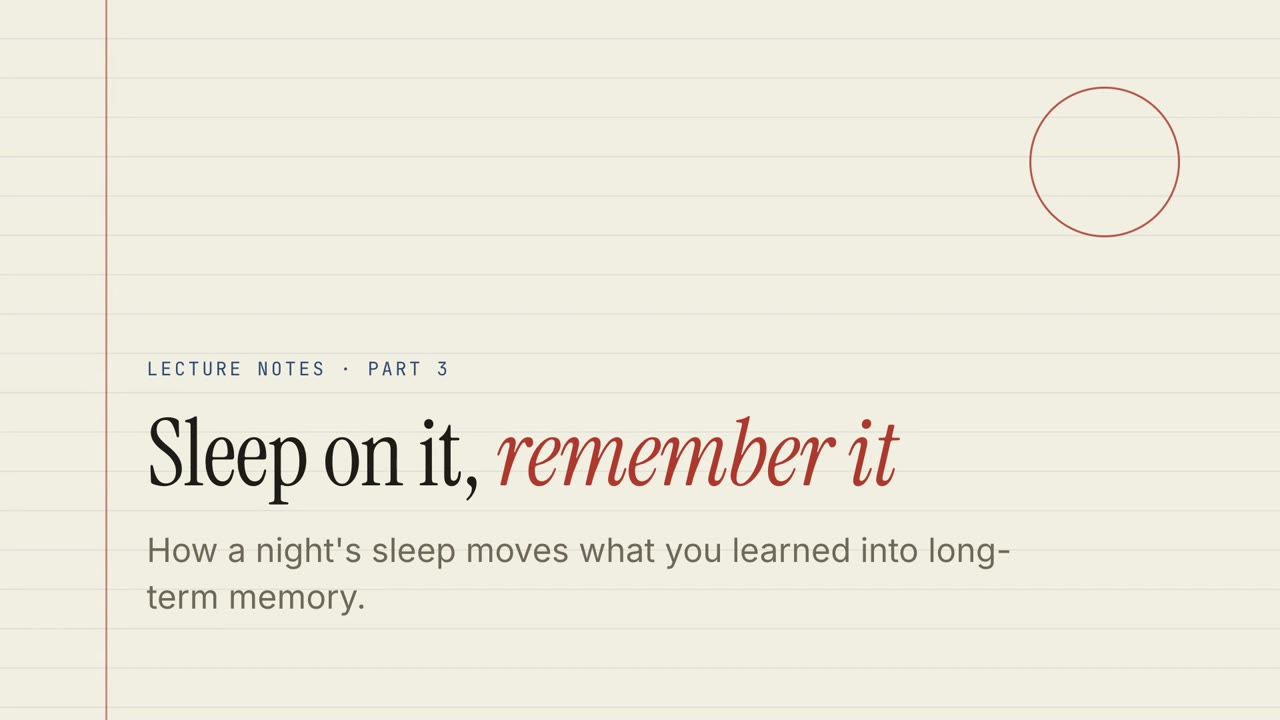
Papier-Vorlesung
Vorlesungsnotizen auf liniertem Papier mit Quiz, Drag-and-drop-Übungen und gesprochenem Durchgang.
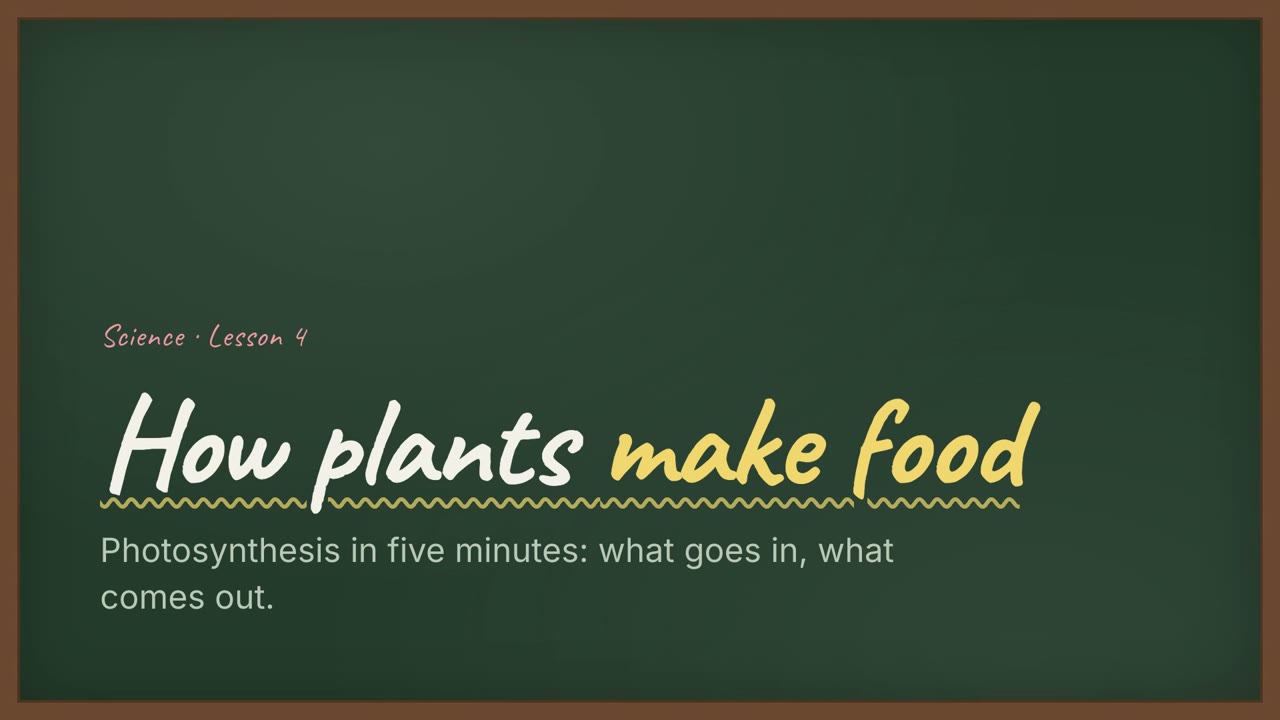
Kreidetafel-Unterricht
Eine Unterrichtsstunde an der grünen Tafel mit handgeschriebenen Überschriften und Übungen.
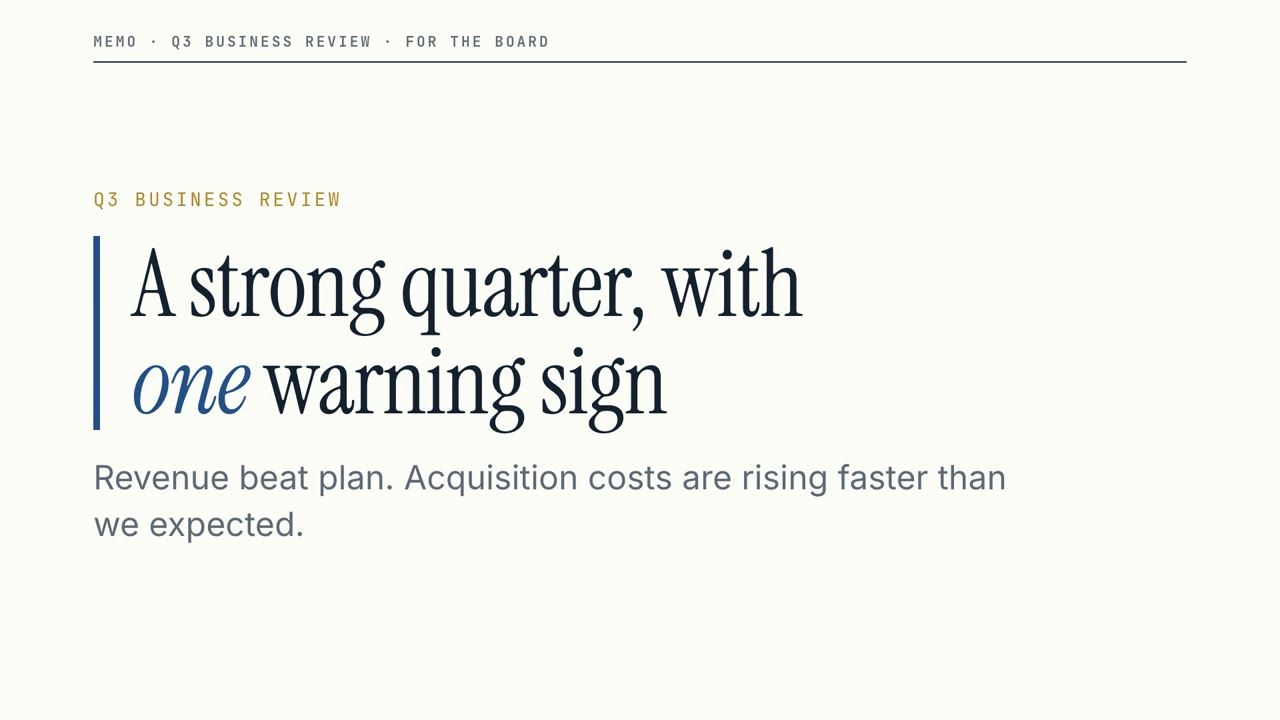
Vorstands-Memo
Ein klarer Business-Review: große Zahlen, eine deutliche Warnung und die Entscheidung, die du brauchst.
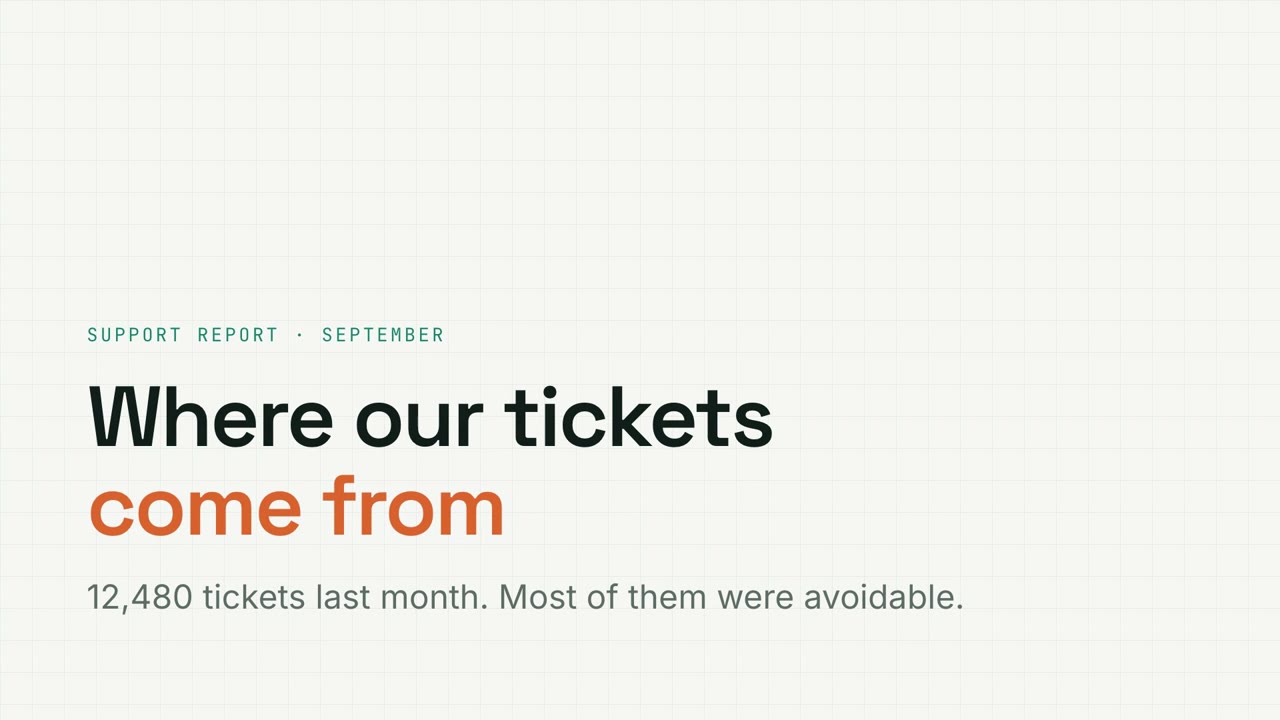
Kennzahlen-Raster
Datenbericht auf Millimeterpapier mit filterbaren Charts, Trichtern und Donuts.
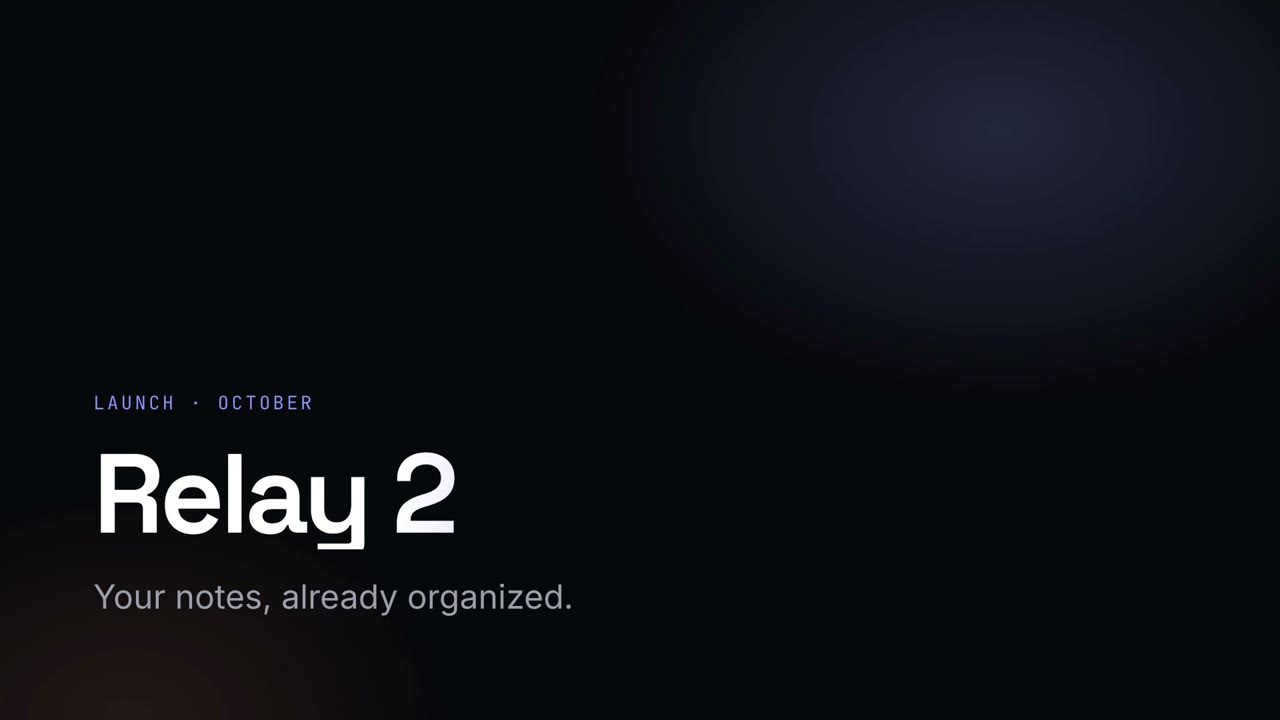
Nacht-Keynote
Eine dunkle, leuchtende Launch-Keynote mit Verlaufs-Überschriften.
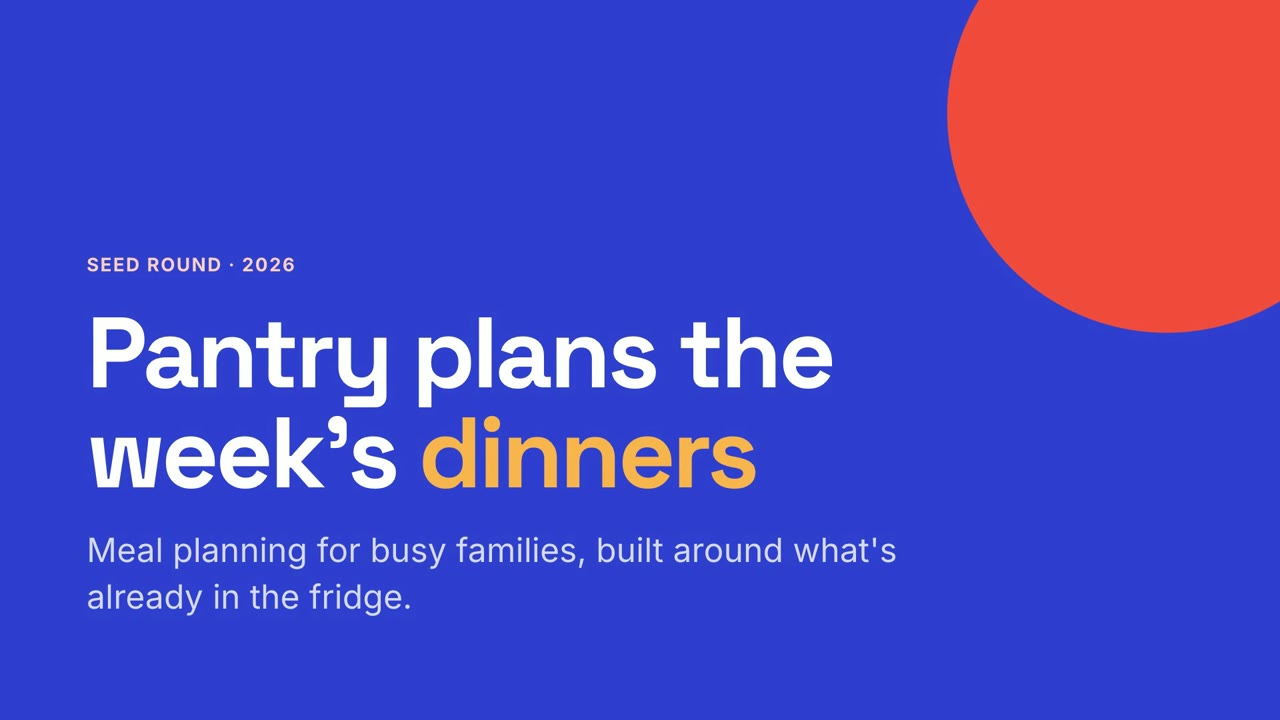
Studio-Pitch
Ein mutiger Startup-Pitch in Kobalt und Koralle, vom Problem bis zur Bitte.
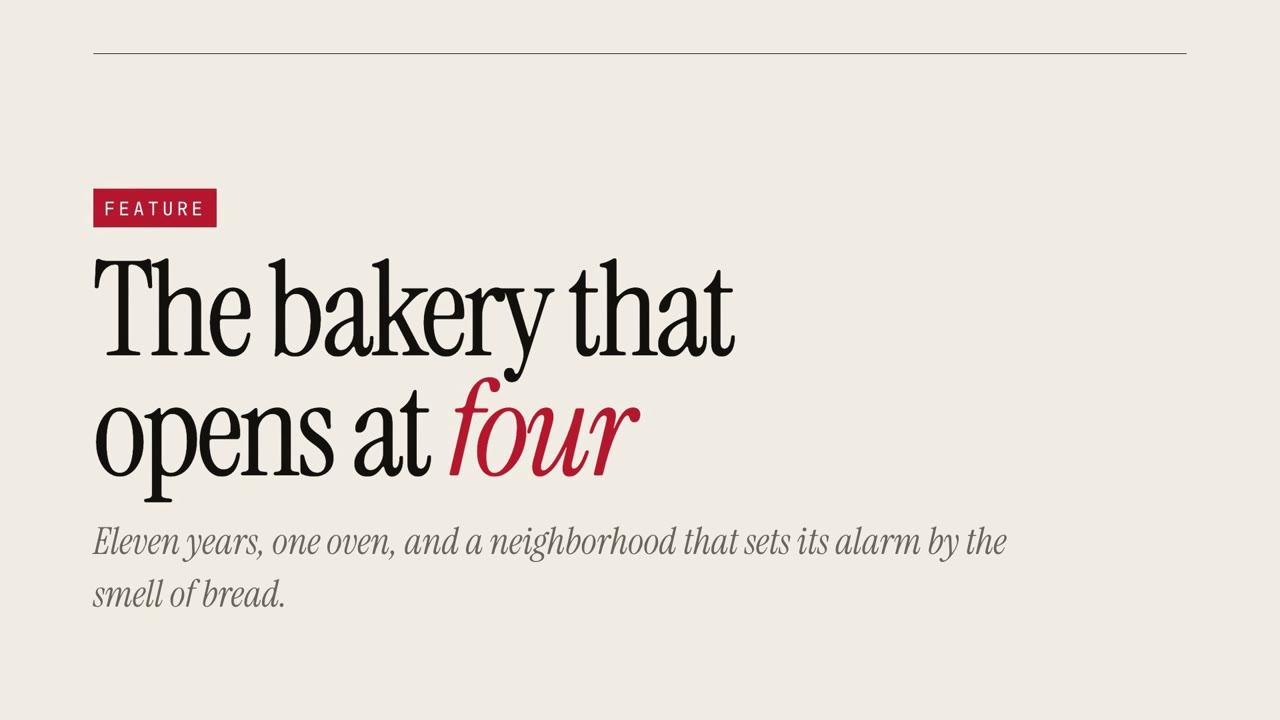
Magazin-Story
Eine redaktionelle Reportage mit übergroßer Serifenschrift und Zitaten.
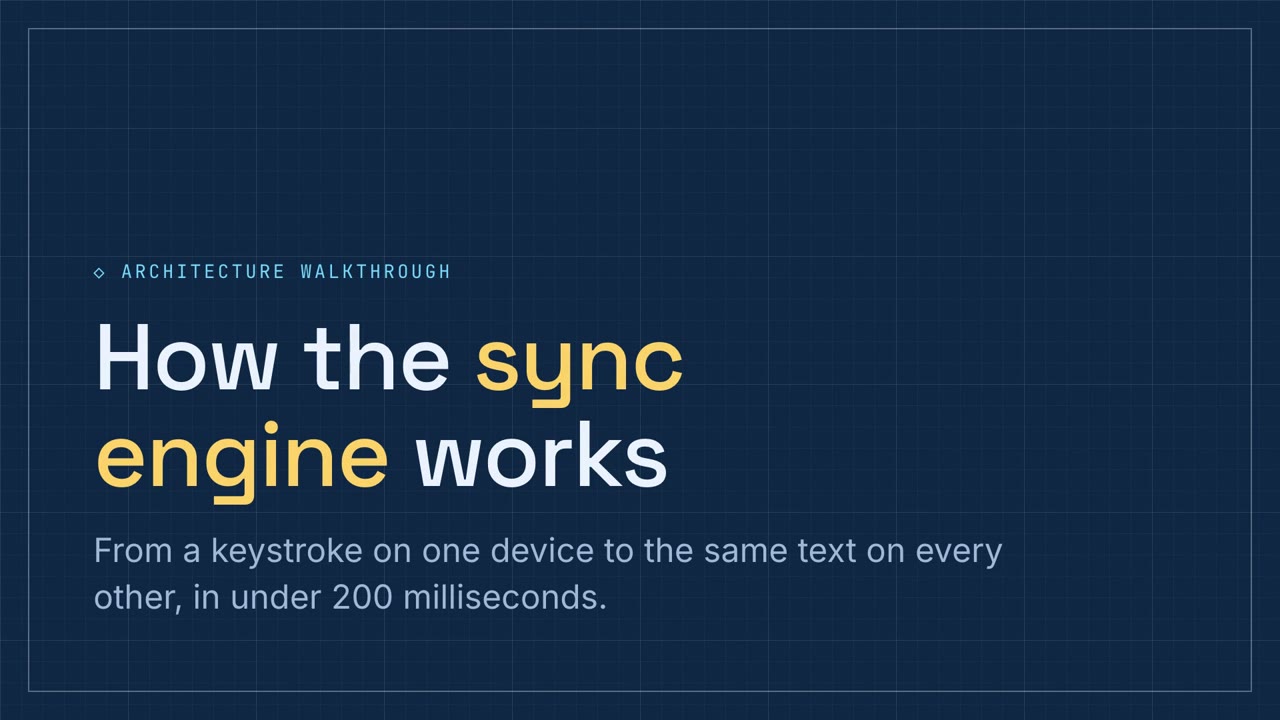
Schaltplan-Rundgang
Ein technischer Rundgang in Blaupausen-Blau mit Pipeline- und Komponentenübungen.