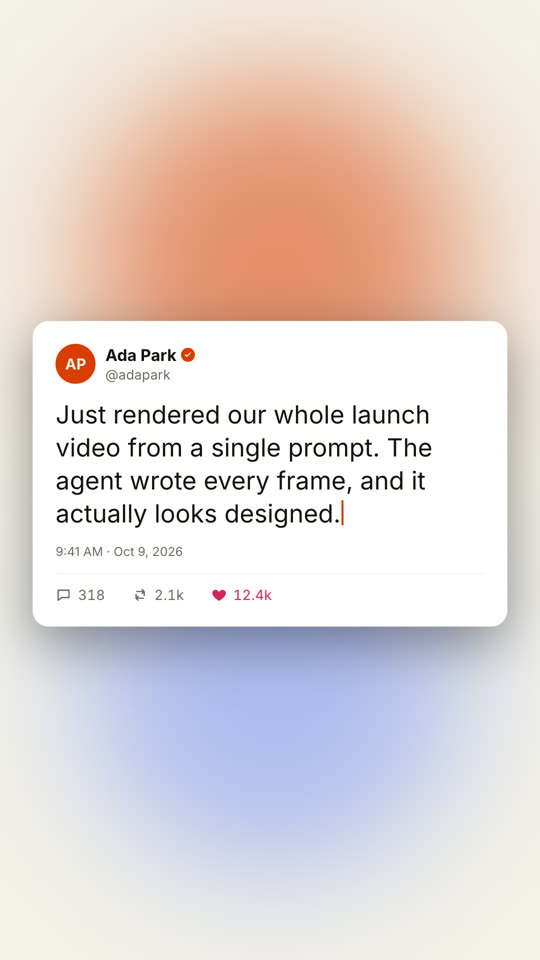
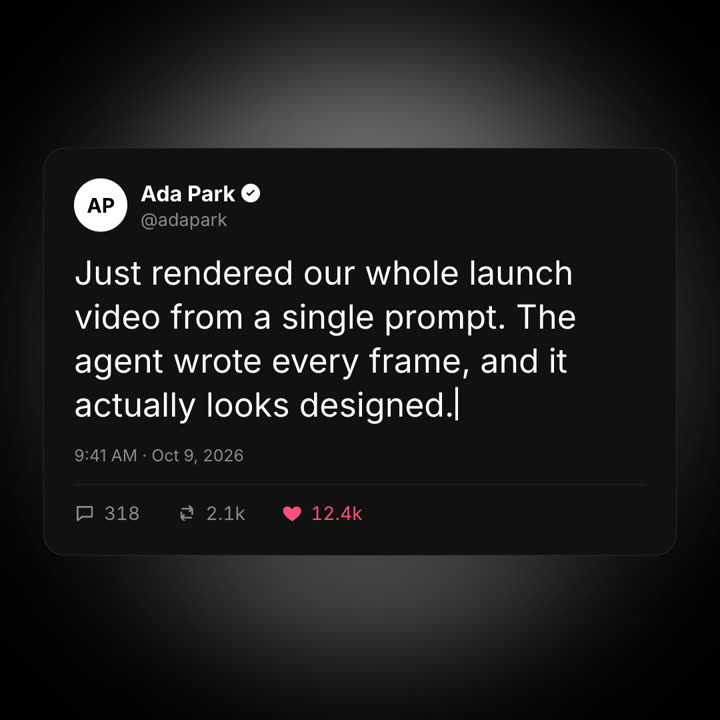
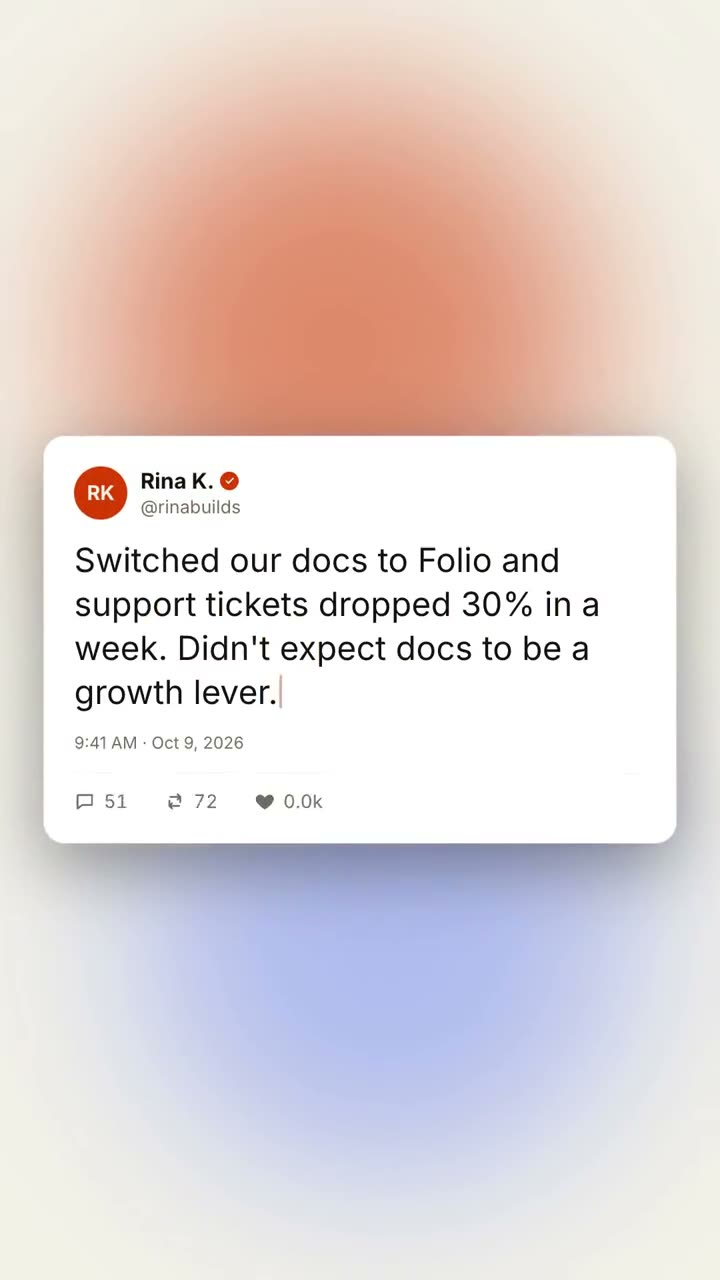
Images finales du même modèle, rendues avec un autre thème et un autre format.
5 thèmes
Aa
Encre
ink
Aa
Papier
paper
Aa
Électrique · par défaut
electric
Aa
Noir
Aa
Sable
sand
Indiquez un thème dans votre prompt, ou définissez vos propres couleurs d’accent, de fond et de texte.
Prompt d’installation
Lis https://claude-motion.com/skills/social-post-card/install.md, suis ses étapes pour installer la skill « social-post-card », puis fais une première vidéo avec.
Collez-le dans Claude Code, Codex, Cursor ou tout agent compatible avec les skills.
Exemple de prompt
Use the social-post-card skill with this customer post: name "Rina K.", handle "rinabuilds", text "Switched our docs to Folio and support tickets dropped 30% in a week." Likes 3.4k. 9:16.
Prompt de style (Claude Motion ou Opus 5.5)
Make an 8-second 16:9 social post animation for [who will watch, e.g. prospects on LinkedIn], playing [where, e.g. a launch thread]. Use only the post, name and counts below; don't change a word or number. A generic social card, not any real platform's design. Dark background with drifting violet and teal glows.

The card rises with a slight 3D tilt. A violet avatar with initials, the name with a check badge popping in, and the handle. The post text types out character by character with a violet caret. End frame: the timestamp fades in and the reply, repost and like counters count up, with the heart turning pink and pulsing.

Name, initials and handle: [e.g. Ada Park, AP, @adapark]
Post: [the real post] (e.g. "Just rendered our whole launch video from a single prompt...")
Counts: [replies, reposts, likes] (e.g. 318, 2.1k, 12.4k)
Rien à installer : collez-le dans Claude Motion (Team ou Enterprise) ou donnez-le à Opus 5.5 pour un rendu proche. Le résultat change à chaque exécution ; la skill donne toujours le même.