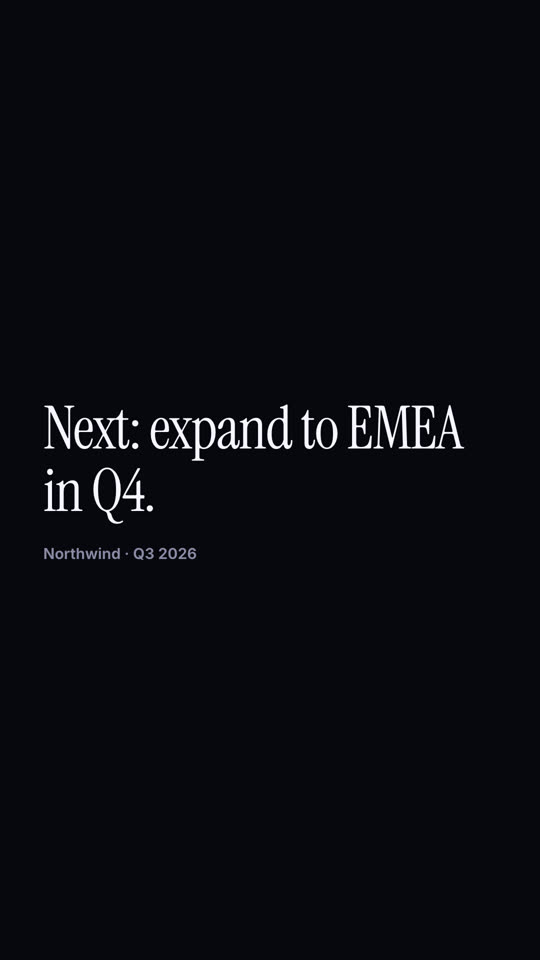
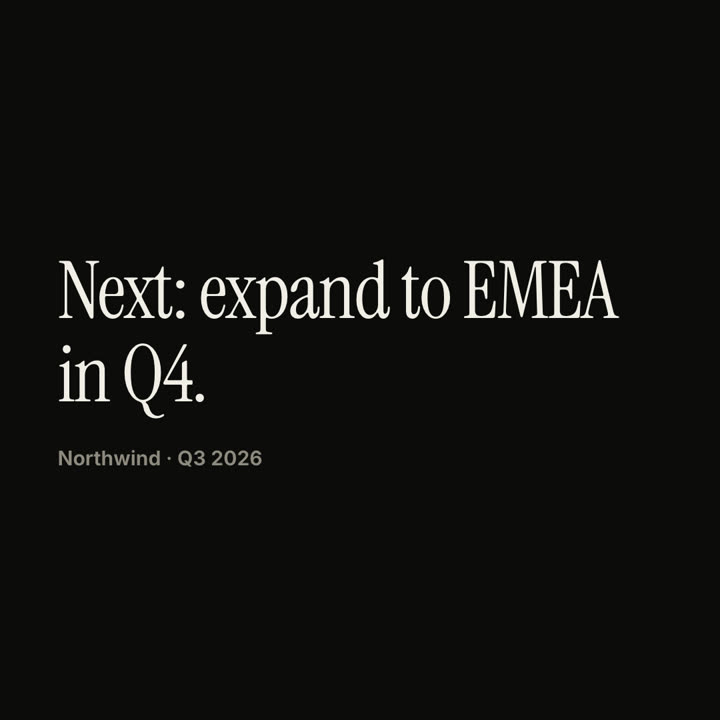
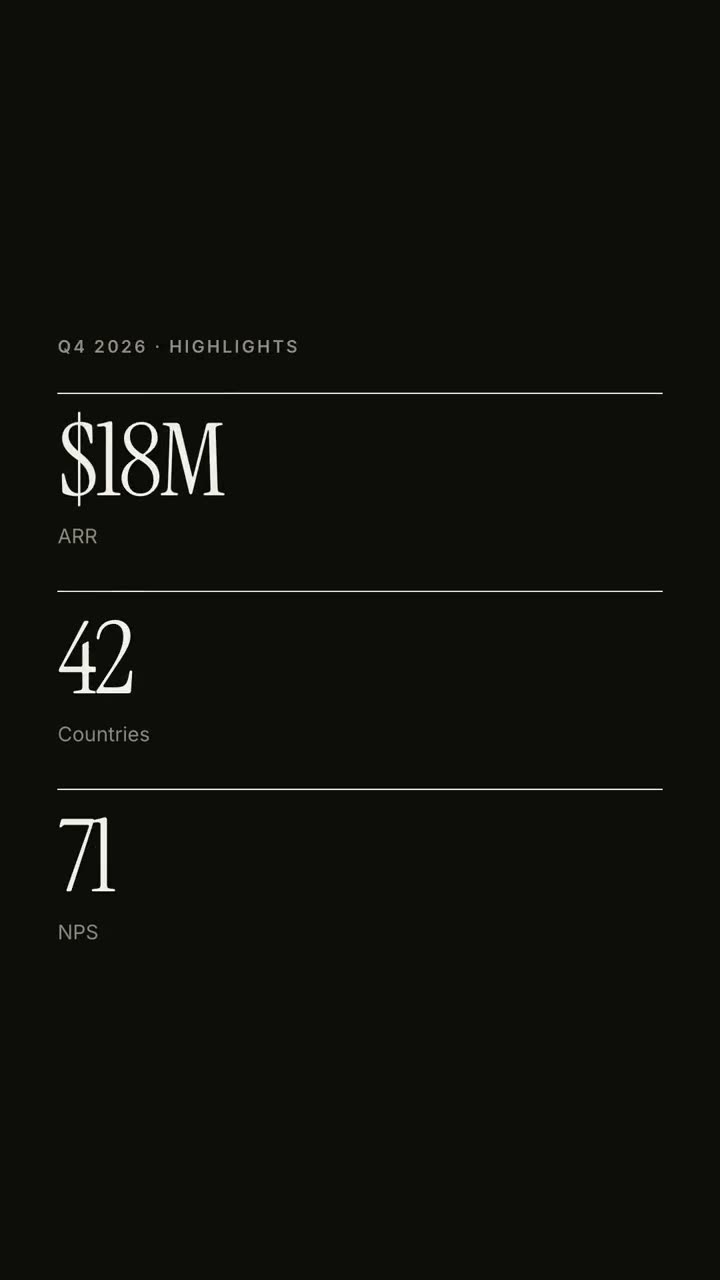
Um relatório trimestral como um explicativo editorial de 30 segundos.
Cole no Claude Code, no Codex, no Cursor ou em qualquer agente que suporte skills.
Requer: Node.js 22+, FFmpeg, Chrome. Sem chaves de API.
Outros temas e formatos
Tema: Elétrico · 9:16Tema: Tinta · 1:1
Quadros finais do mesmo template, renderizados com outro tema e formato.
5 temas
Aa
Tinta
ink
Aa
Papel · padrão
paper
Aa
Elétrico
electric
Aa
Noir
Aa
Areia
sand
Cite um tema no seu prompt ou defina suas próprias cores de destaque, fundo e texto.
Prompt de instalação
Leia https://claude-motion.com/skills/report-explainer/install.md, siga os passos para instalar a skill "report-explainer" e depois faça um primeiro vídeo com ela.
Cole no Claude Code, no Codex, no Cursor ou em qualquer agente que suporte skills.
Prompt de exemplo
Use the report-explainer skill for our Q4 all-hands: org "Acme", period "Q4 2026", title "The year we | went global", kpis "$18M: ARR | 42: Countries | 71: NPS", data from assets/revenue.csv (convert to label: value), takeaways and closing from the notes below.
Prompt de estilo (Claude Motion ou Opus 5.5)
Make a 30-second 16:9 quarterly report explainer for [who will watch, e.g. the all-hands], playing [where, e.g. on the big screen]. Use only the numbers in the report I attach; don't round or change any of them. Off-white paper, editorial serif.

Scene 1: the company and quarter in small caps, then a two-line headline rises line by line with the second line in red-orange italic, and a black rule draws across. Scene 2: three KPIs with black top rules count up. Scene 3: a monthly bar chart grows with values on top and the last bar in orange-red. Scene 4: three numbered takeaways slide in. End frame: the next step, held for 2 seconds.

Attach: [your quarterly report]
Headline: [e.g. "A quarter of compounding growth"]
Next step: [e.g. "Next: expand to EMEA in Q4."]
Nada para instalar: cole no Claude Motion (Team ou Enterprise) ou dê ao Opus 5.5 para um visual parecido. O resultado muda a cada execução; a skill dá sempre o mesmo.